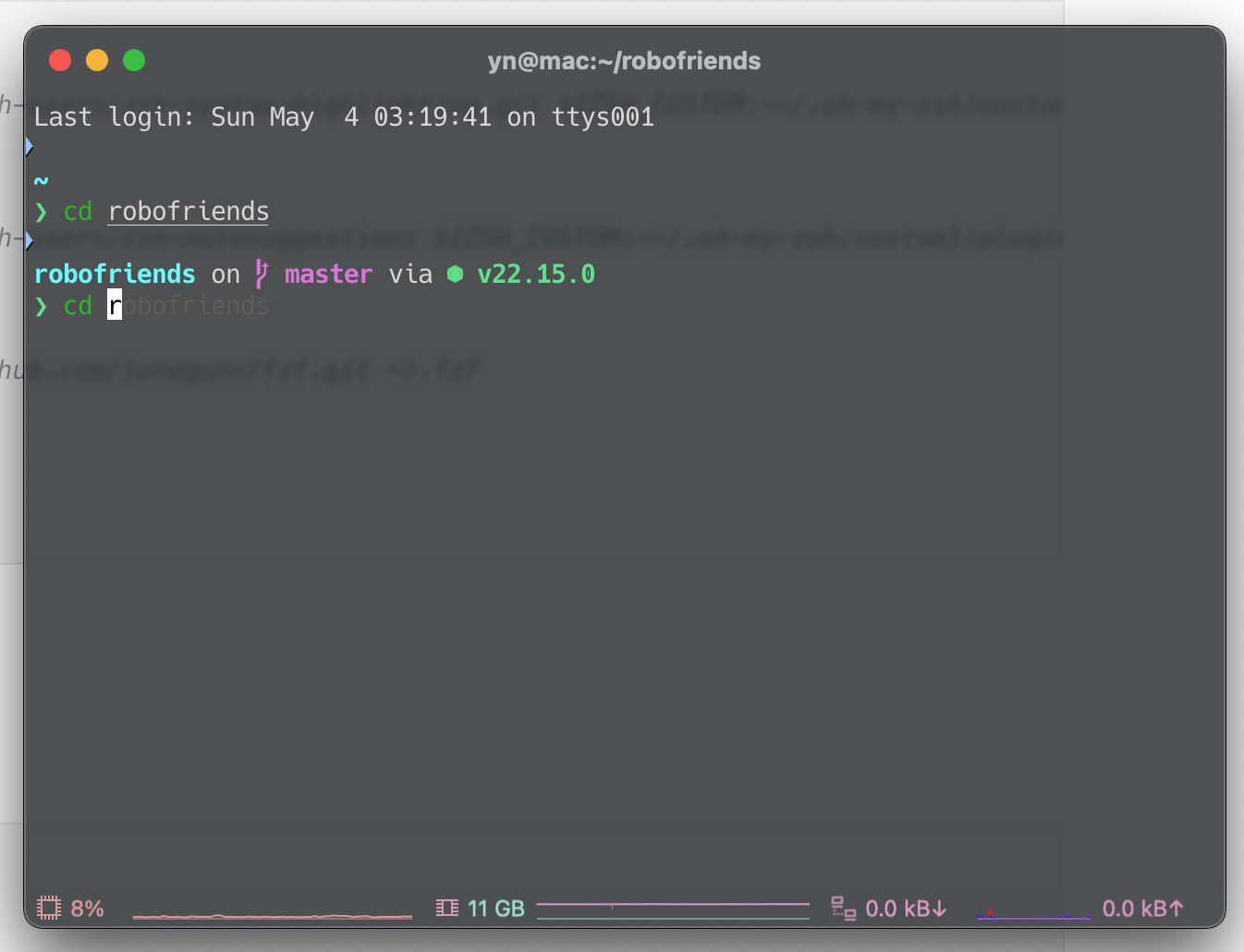
iTerm2 설치
Mac 에 깔린 기본 터미널 말고 iTerm2 를 쓰자.
탭기능과 분할 창을 쓸 수 있고 커스터마이징도 된다.
iTerm2 - macOS Terminal Replacement
iTerm2 by George Nachman. Website by Matthew Freeman, George Nachman, and James A. Rosen. Website updated and optimized by HexBrain
iterm2.com
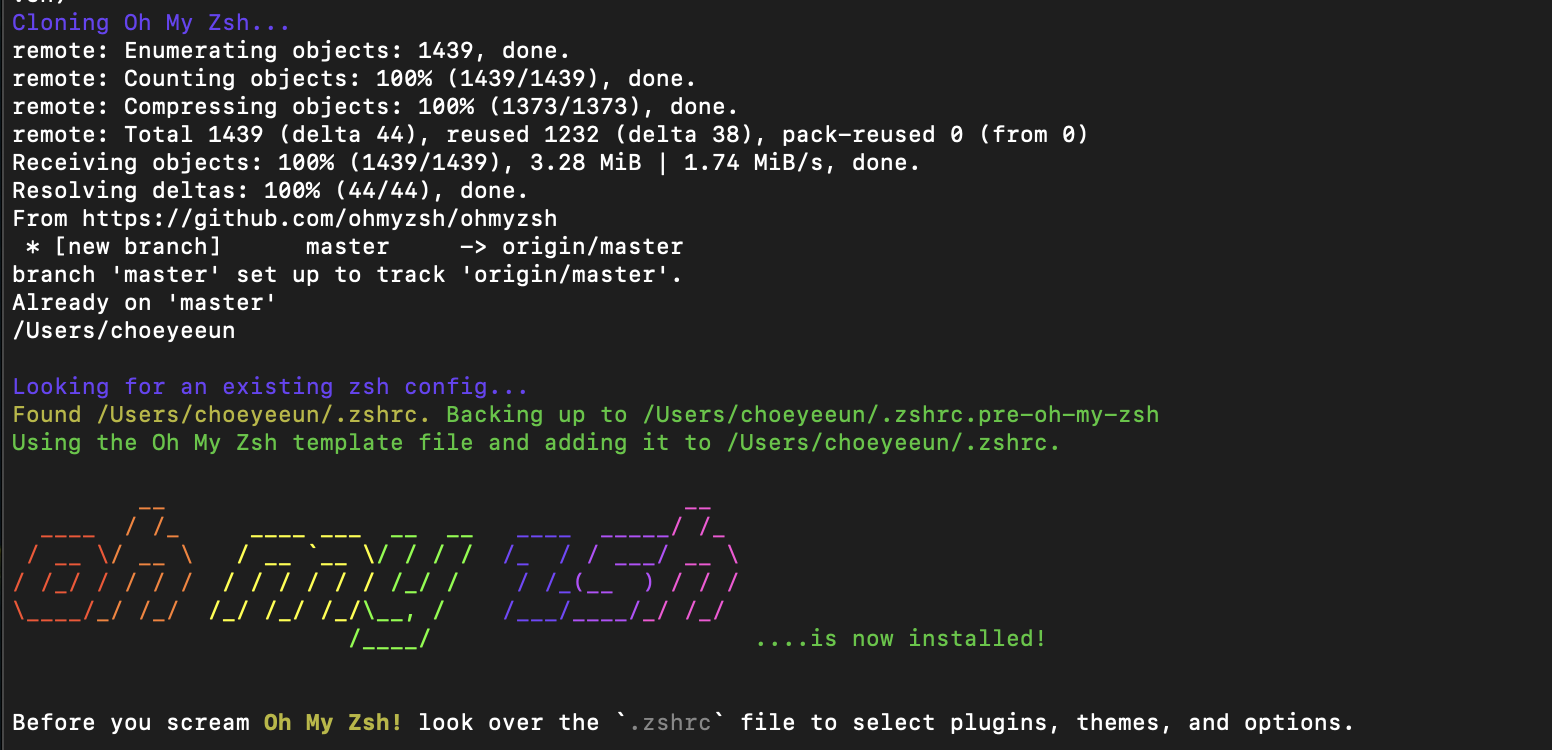
oh my zsh 설치
- zsh 쉘 프레임워크
- 터미널 외관 및 플러그인(자동완성, 구문강조, Git 통합 등 다양한 기능 제공) 추가 가능
sh -c "$(curl -fsSL https://raw.githubusercontent.com/ohmyzsh/ohmyzsh/master/tools/install.sh)"
oh-my-zsh 플러그인 설치
# zsh-syntax-highlighting
git clone https://github.com/zsh-users/zsh-syntax-highlighting.git ${ZSH_CUSTOM:-~/.oh-my-zsh/custom}/plugins/zsh-syntax-highlighting

# zsh-autosuggestions
git clone https://github.com/zsh-users/zsh-autosuggestions ${ZSH_CUSTOM:-~/.oh-my-zsh/custom}/plugins/zsh-autosuggestions

# fzf (fuzzy file finding)
git clone --depth 1 https://github.com/junegunn/fzf.git ~/.fzf
~/.fzf/install

# zsh-z 디렉터리 자동 이동
git clone https://github.com/agkozak/zsh-z ${ZSH_CUSTOM:-~/.oh-my-zsh/custom}/plugins/zsh-z
▼ 자세한 내용은 아래 깃헙 링크 참조
.zshrc 파일 수정
vi ~/.zshrc

# insert
i

# finish
[esc 버튼 누르기]

# 나가기
:wq

# 설정내역 반영
source ~/.zshrc
plugins=(
  git
  zsh-syntax-highlighting
  zsh-autosuggestions
  fzf
  zsh-z
)
>> 이렇게 zshrc 문서를 수정했는데도 계속 적용이 안되어서 한참을 헤맸는데,
zshrc 중간에 plugins=( git ) 이렇게 정의한 부분이 있어서
중복 정의로 적용이 안되었던 것!
맨 마지막에 넣지 말고 중간에 정의된 부분을 수정하니까 잘 된다~~ 유후~~
font 및 theme 바꾸기
# font
brew install --cask font-hack-nerd-font

# theme
brew install starship
font 는
iTerm2 > Settings > Profiles > Text 에서 수정
다른 탭에서 상단바, 컬러 등 다양하게 수정할 수 있다.
theme 은
.zshrc 맨 아래에 하단 코드 추가
eval "$(starship init zsh)"
개발자 터미널 세팅하기
🕓 5 mins read 처음 개발을 시작했을 때 한 번쯤 터미널을 메인 작업 도구로 하는 것에 대한 로망이 다들 있(었)지 않을까요. 저도 약 2년에 한 번꼴로 개인이든 회사든 맥북을 새로 세팅할 일이 생
naubull2.tistory.com
[Mac] iTerm2, oh my zsh 설치 및 삭제, agnoster테마 설정
저도 이곳을 참고해서 설치했습니다~ 우리는 agnoster 테마를 설치하기 위해 아래 작업들을 해줄겁니다.agnoster 테마를 쓰면 터미널에서 git을 쓸때 매우 편리해진다고 합니다. 그전에 앞서일단 iterm
chokotingchock.tistory.com
터미널 꾸미기: Oh-my-zsh + iTerm2
이번 시간에는 맥북을 처음 세팅할 때 터미널 환경을 커스텀하게 설정하는 방법에 대해서 정리합니다. iTerm2 설치 MacOS 에서 기본으로 제공하는 터미널은 다소 아쉬운 부분이 있어 보통 iTerm2 어
kdohyeon.tistory.com
[Terminal] 맥북 터미널 호스트네임 변경 (터미널 상단 바 이름 변경)
맥 터미널이나 iTerm2을 사용할 때 상단 바에 [내계정이름]@[어쩌고저쩌고]:~/[어디어디]로 뜨는 게 보일 것이다.여기서 [어쩌고저쩌고]는 HostName인데 이것을 바꿔보자.참고로 호스트 이름은 컴퓨터
dykm.tistory.com
[Mac] 관리자 계정 추가, 맥북 계정 이름 및 홈 폴더 이름 변경하기
Linux에 대하여 공부한 내용을 블로그에 올리려고 하니까 터미널에서 경로 등 내 정보가 나타나는 게 싫어서 계정 이름이랑 디렉토리 이름을 변경하기로 하였다.. *** 작업 전 백업 필수 *** 맥북의
wonkang.tistory.com